Add helpful and reliable websites for guidance, applications, and everyday needs — all in one safe place. You choose which sites your child can access beyond education.
Beyond educational sites, children often need access to trusted websites for guidance, applications, and everyday needs. With Kids Safe Browser's Supplementary Resources feature, you can add, edit, and remove any non-educational websites you allow — all in one safe, parent-controlled list.
You have full control: add new allowed sites, update URLs or names, or remove access anytime from your dashboard. Your child sees only the list you maintain, with no ads or external links — a single, safe hub for everything you approve.
Add, edit, and manage allowed websites in one safe place
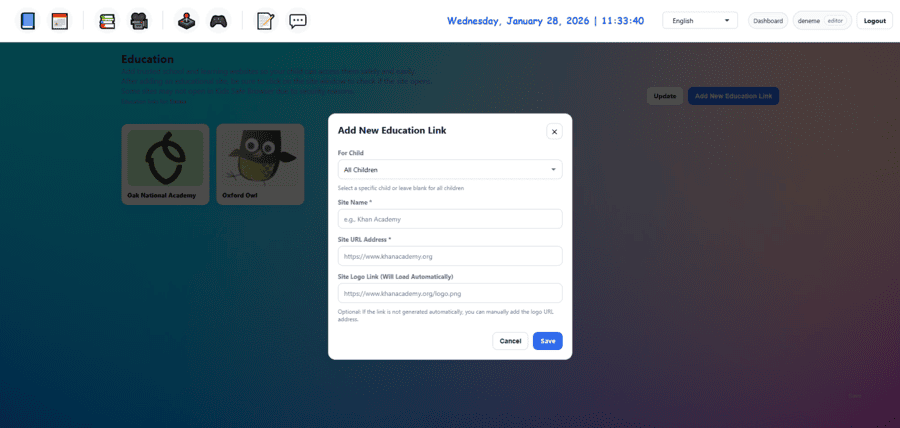
Add any helpful or reliable website you want your child to access — guidance, tools, or everyday apps — from your dashboard.
Update site names or URLs whenever you need. Keep the list accurate and relevant with a few clicks.
Remove any site from the allowed list at any time. Your child loses access immediately — no delay.
Only approved resource sites are accessible. No ads, no external links, no surprises — just what you allow.
You decide exactly which non-educational websites your child can use. Full control, always.
Complete isolation from the rest of the internet. Your child can only open the websites you have added and approved.
Manage your child's allowed websites in a few simple steps
Log in to your dashboard and add helpful or reliable websites — beyond education — that you want your child to access.
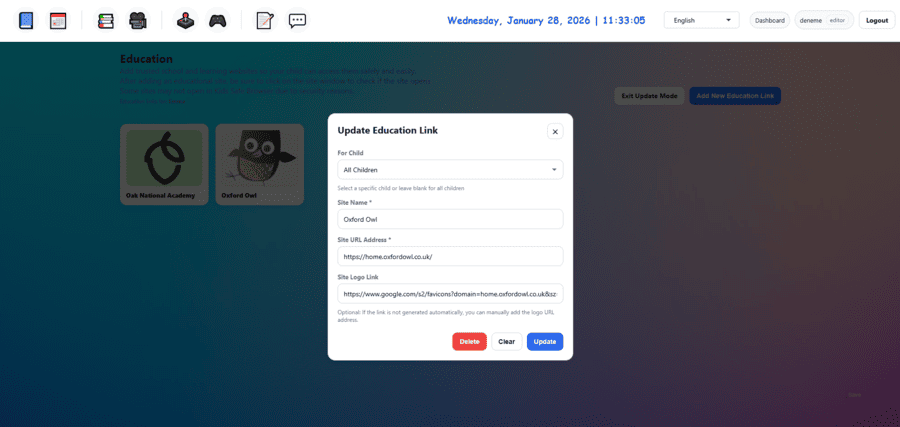
Update site names or URLs, or assign sites to a specific child. Keep the list accurate with simple edits.
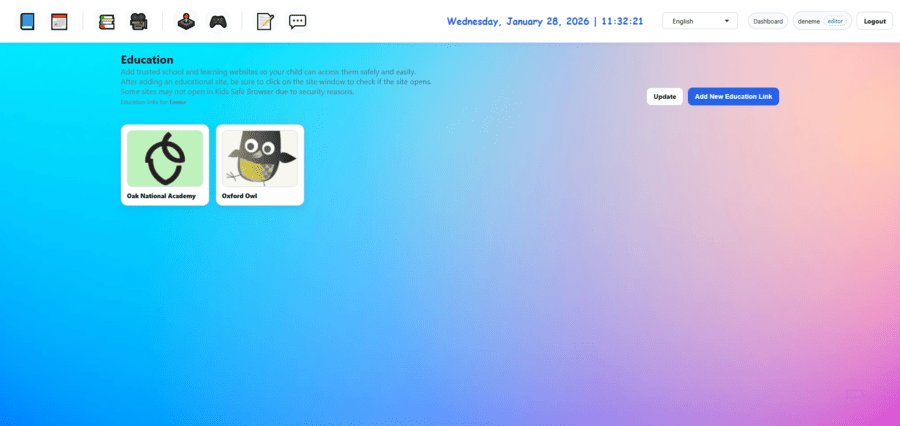
Your child sees only the supplementary resources you added, in a simple, kid-friendly list — no search, no ads.
Remove any website from the list when you no longer want your child to access it. Changes apply immediately.
Guidance, applications, and everyday needs — in one safe list. No need to remember multiple bookmarks or unsafe search.
Add, edit, or delete allowed sites anytime. You decide what stays and what goes — complete transparency.
Only helpful and reliable websites you approve. No inappropriate content, no ads, no redirects — just trusted resources.
Manage the list from your dashboard with a few clicks. Add new sites as needs change, or remove access when no longer needed.
Join thousands of parents who trust Kids Safe Browser to keep their children safe online.
Get Started Free