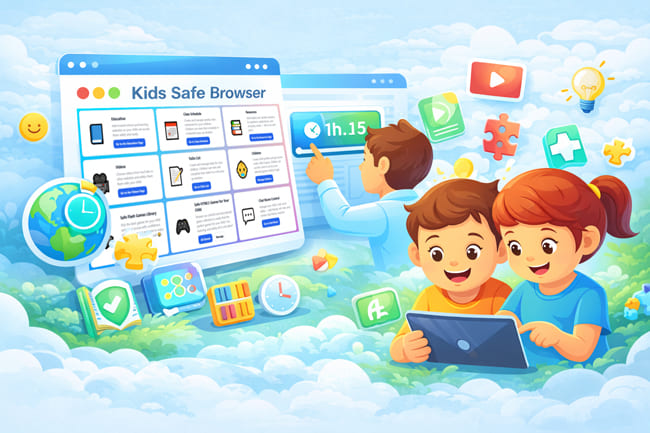
Kids Safe Browser is a powerful parental control web browser designed to protect children in the digital world. It gives parents complete control over what their children see, watch, play, and interact with online. Unlike traditional browsers, Kids Safe Browser removes risks such as harmful websites, ads, redirects, and unapproved content, creating a truly safe and child-friendly internet experience.
No distracting ads, only kid-friendly content
You decide what websites and videos your child can access.
A fun, safe, and easy-to-use experience designed for kids
Today's internet is not built for children. Even educational websites and video platforms can expose kids to inappropriate ads, external links, unsafe recommendations, or strangers. Kids Safe Browser was created to solve this problem by offering a closed, parent-controlled digital environment.
Parents decide which websites, videos, games, cartoons, and activities their children can access. Nothing outside these approved selections is reachable. This means children can explore safely, while parents enjoy peace of mind knowing their kids are protected at all times.
Add trusted school and learning websites so your child can access them safely and easily.
Create and manage weekly class schedules for your children. Children can view their schedule in a beautiful pop-up window.
Smart math helpers for students: unit conversions, fractions, percentages, multiplication tables, and rounding
Add helpful and reliable websites for guidance, applications, and everyday needs — all in one safe place.
Choose videos from YouTube or other websites and safely share them with your child.
Create and manage tasks for your children. Children can view and complete their tasks in a cute pop-up window.
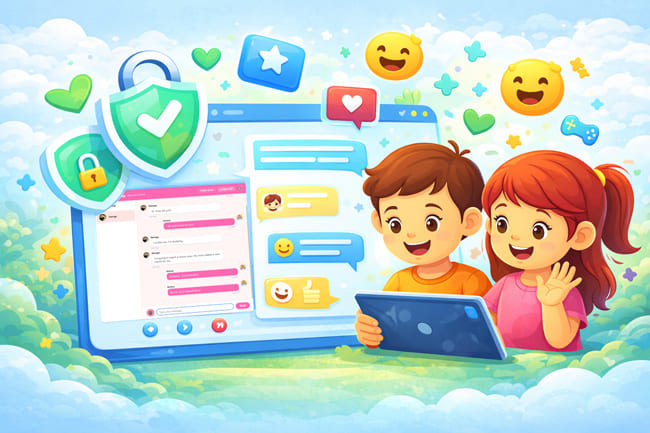
Manage your child's chat room safely — add friends, set rules, and review chat history anytime.
Choose the best games for your child from hundreds of flash games, add time limits if you wish, and allow access with confidence.
Create child profiles and get access codes. After logout, children can easily access the websites, videos, and games you added without logging in.
Get started in three simple steps
Sign up for free and get instant access to all features.
Select one of our available plans and subscribe easily to start providing a safe and controlled internet experience for your child.
Create profiles for each child and customize their access.
Add educational content, games, videos, and more for your children.
A friendly AI helper that gives your child safe, short, age-appropriate answers in your chosen language.
Ask Pando is an optional add-on for Kids Safe Browser. Children can ask questions from the Ask Pando for help page and receive warm, kid-friendly answers Ai — without leaving your safe browser environment.
You choose which child can use Ask Pando, set daily question limits per package, and answers follow your portal language. Inappropriate topics are blocked with a gentle refusal message.
"This platform has been a game-changer for our family. We can now safely manage what our children access online."
"The educational content and games are perfect. My kids love it, and I love the peace of mind it gives me."
"Easy to use, comprehensive features, and most importantly - my children are safe online. Highly recommended!"
Join thousands of parents who trust Kids Safe Browser to keep their children safe online.
Get Started Free